⚠ Caution · High-intensity sensory output ahead

Enhanced Motion Picture
Sound on · brace for impact
Enhanced Motion Picture syncs wireless rumble beneath your seat and telescoping variable-speed airflow towers at your face to every frame of your movies, TV, and games.

An EMP package carries the video plus a synchronized track of effect cues. The player reads those cues and routes them — frame-accurate — to the hardware around you. Works out of the box with any movie or TV show — no studio support required, thanks to live AI cue-generation.
Video plus an open effect-metadata track are packed into one .emp file — or generated live with AI cue-assist.
The open player runs on desktop, mobile, and a TV companion. No lock-in, no subscription to feel your own movies.
A reference hub bridges over Wi-Fi and Bluetooth, sending each cue to the right output the instant it's needed.
Seat rumble hits the low end, the air towers track motion and tension, lighting follows the scene. You're inside it.
Towers spool from a whisper to a gust. Haptics range from a heartbeat to an earthquake. Every effect is continuous, not a binary buzz.
Rumble packs and airflow towers talk to the hub over low-latency wireless and stay locked to the picture, down to the frame.
Start with one seat. Add towers, haptics, lights, scent, or motion. The open protocol means any compatible module just works.
Reference designs use common, affordable components. Buy a kit or build your own from the public BOM — your call.
Movies, streaming, games. Author cues yourself or let the AI pipeline generate them from the soundtrack and motion.
Open file spec, open player, open SDK. The format is the product — the ecosystem belongs to everyone who builds on it.
The EMP Hub is the optional bridge that turns any room into a Reality Theater — and it's fully documented so anyone can build a compatible one.
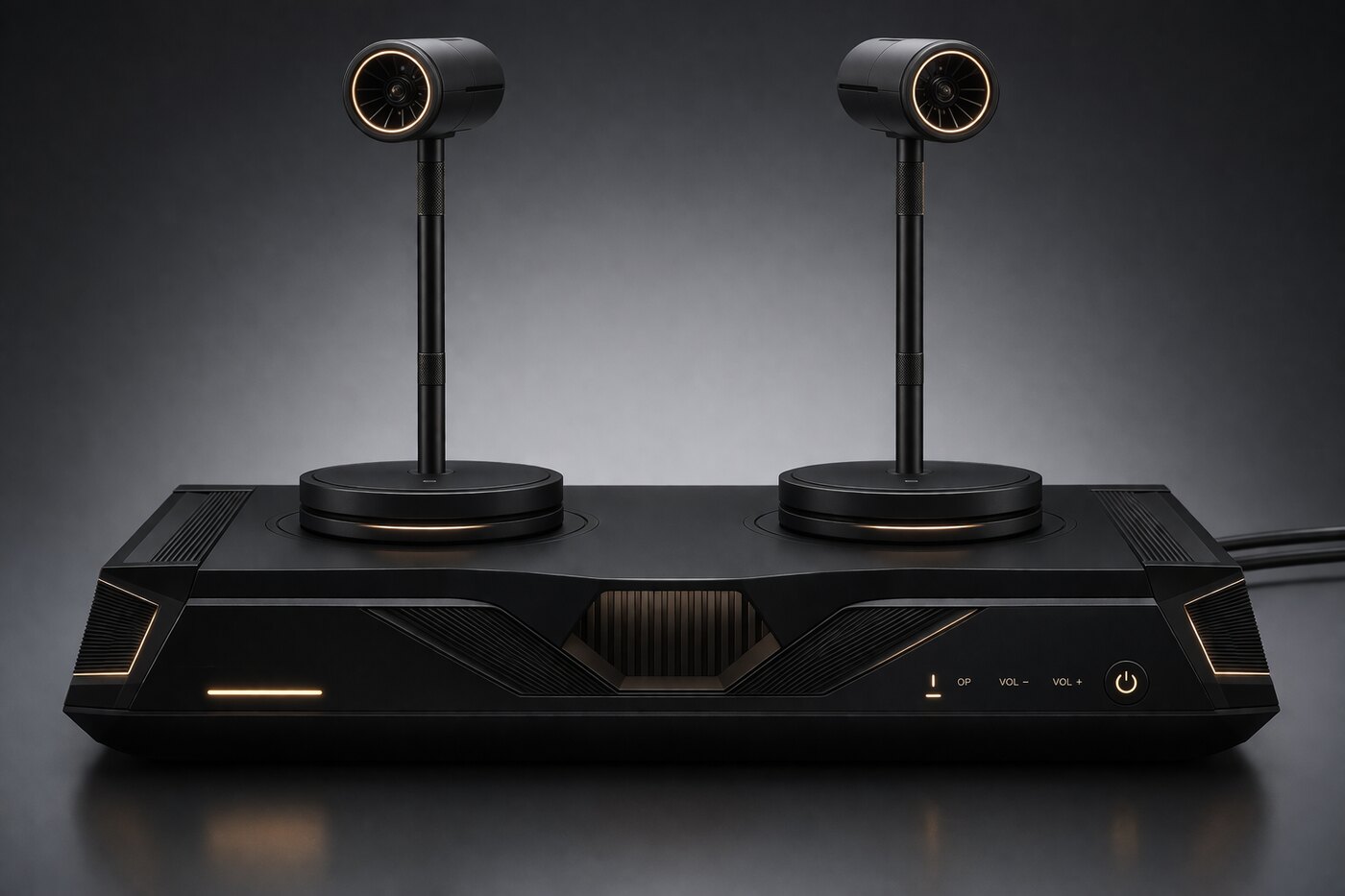
REC Reference units, telescoping air towers, and rumble packs — captured in the dark.
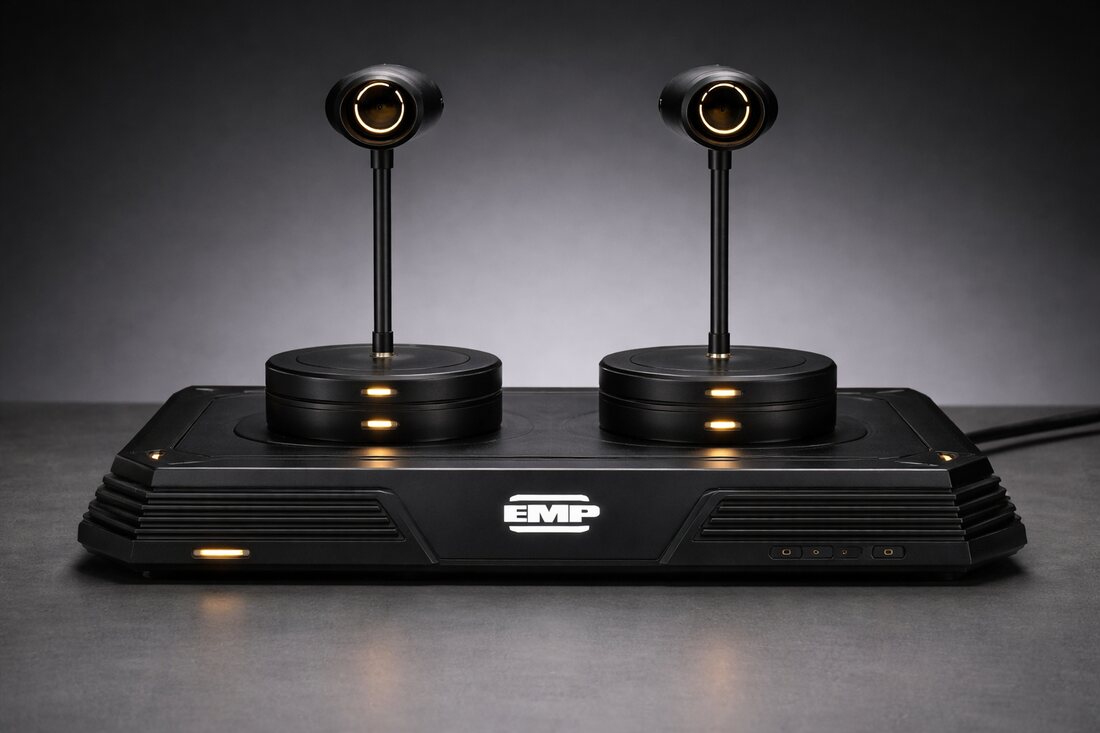
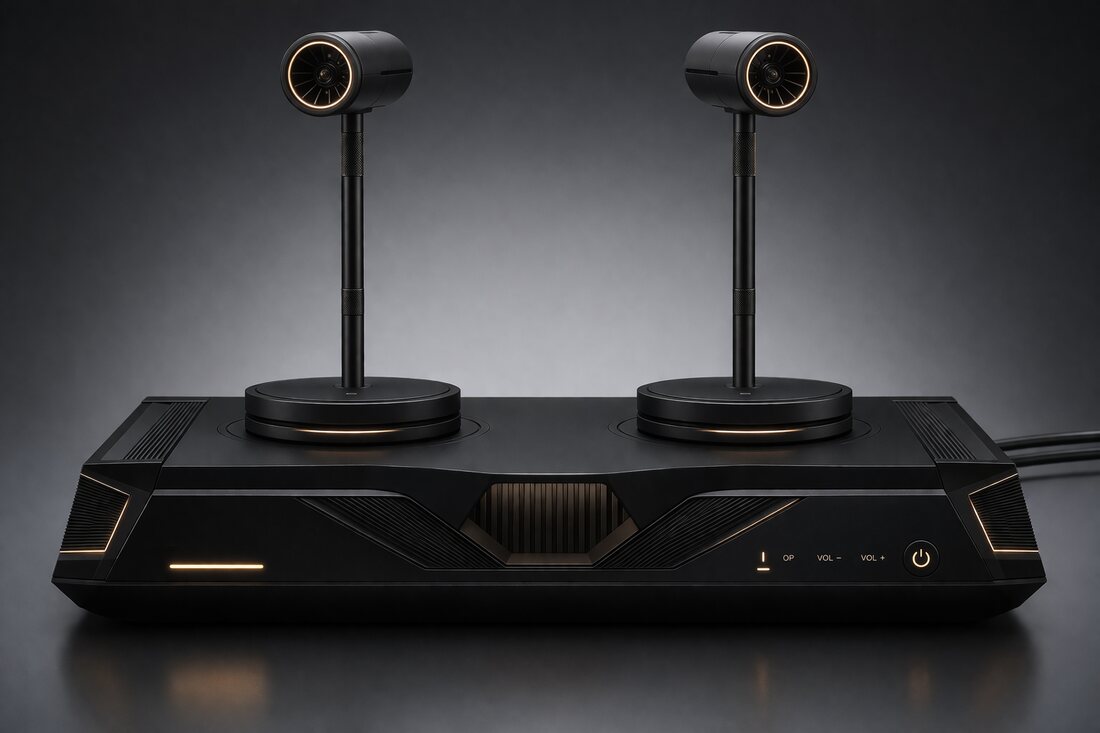
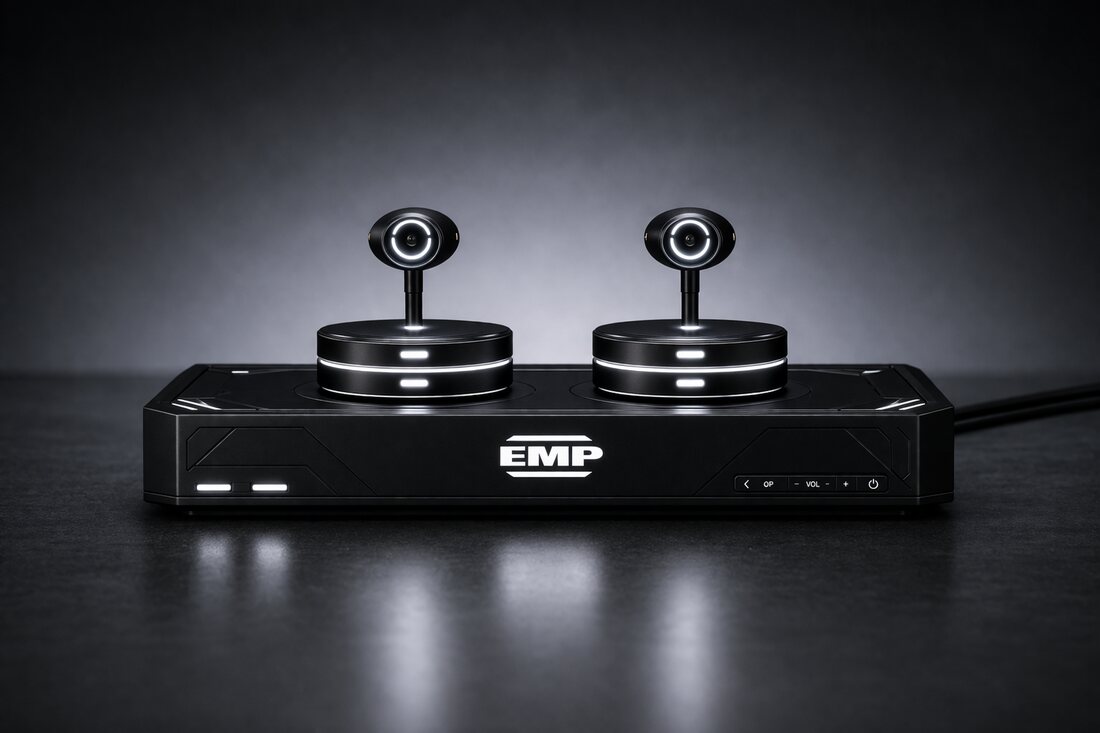
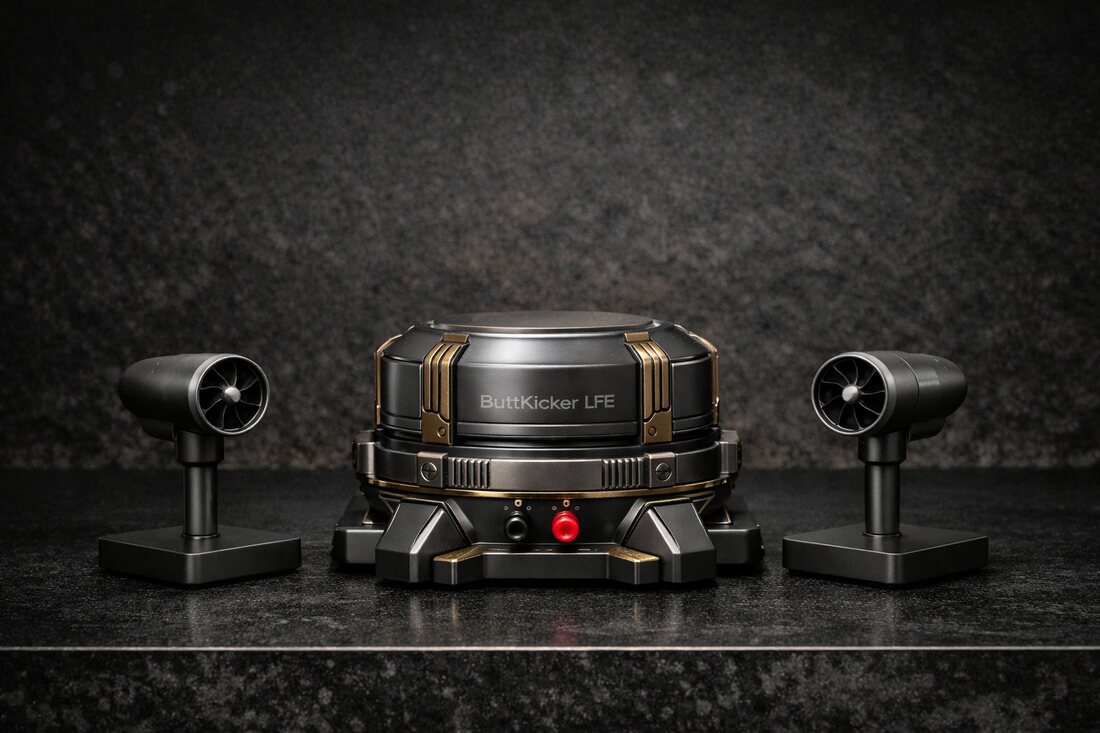
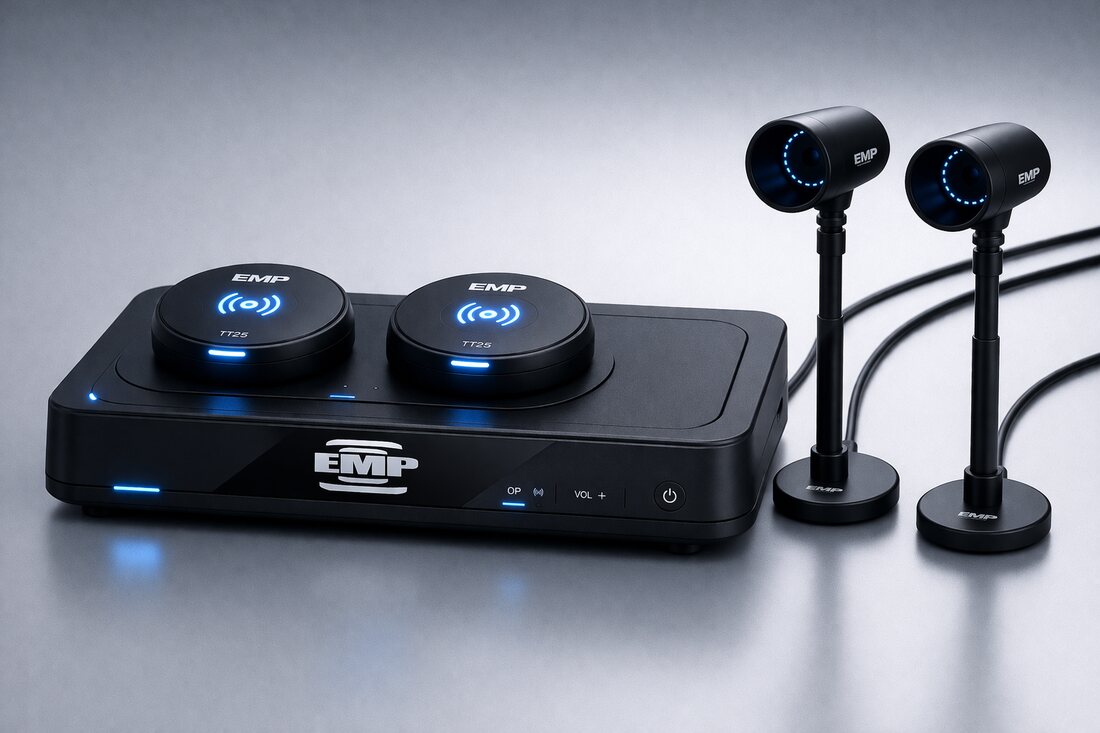
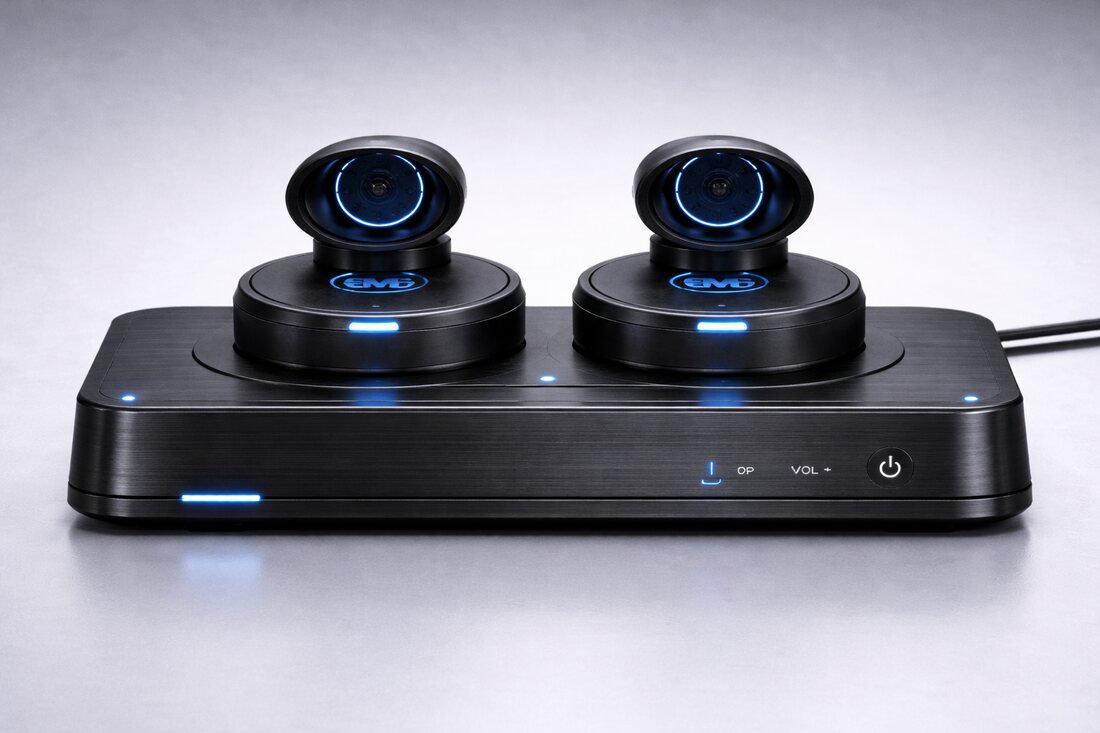
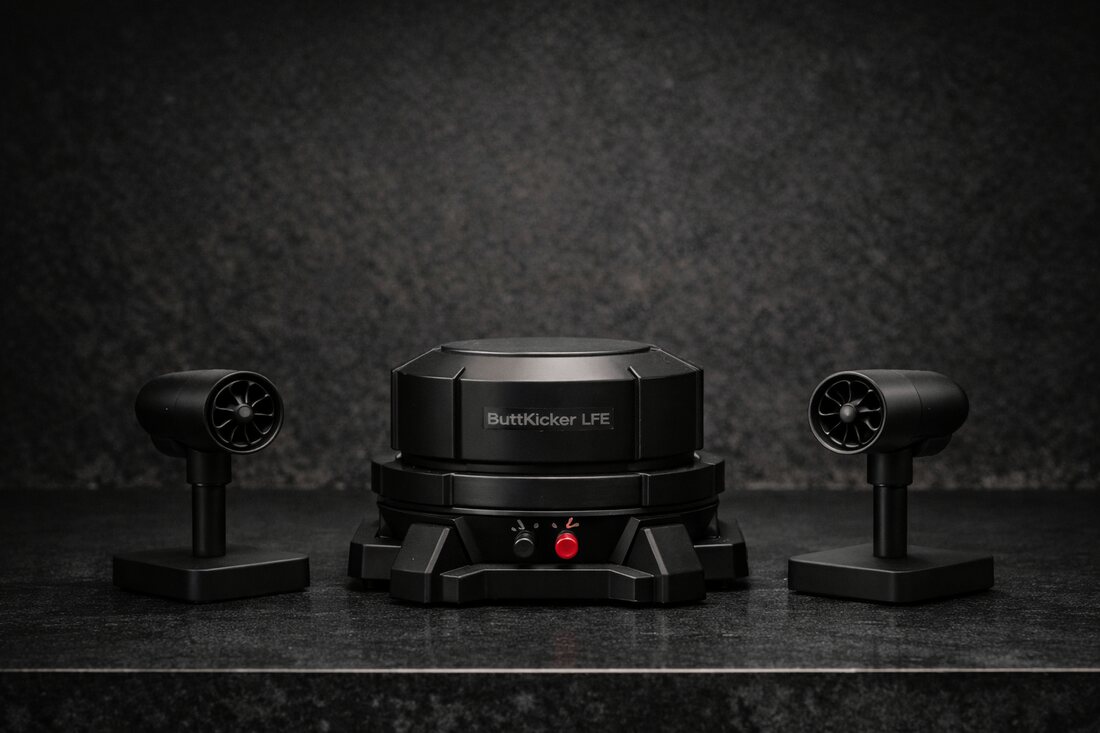
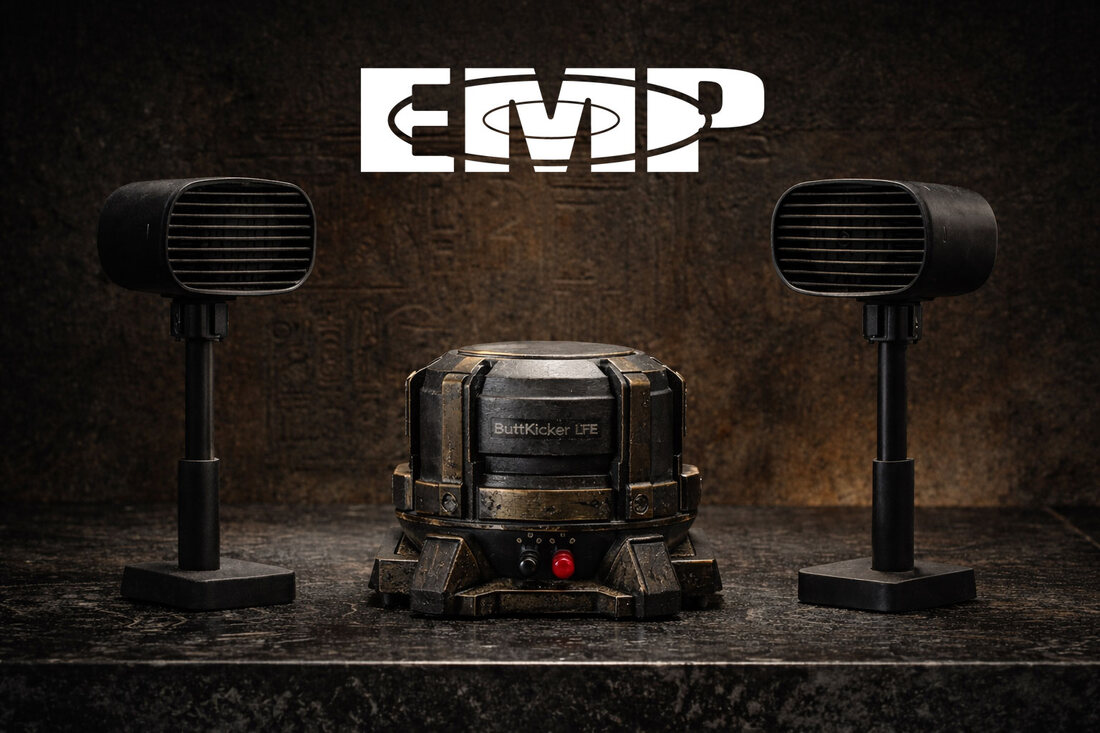
The core product is the standard and the reference software. Hardware is optional. Anyone can build a player, author content, or manufacture a compatible module.
Open public spec: video plus a synchronized cue, timing, and output-packet model.
Reference player and authoring CLI — Apache-2.0 / MIT. Validate, convert, and sync.
Fan, haptic, light, and motion examples with public CAD and firmware.
A compatibility mark and registry so third-party builders can ship verified parts.
Join the waitlist for the spec release, the open player beta, and the first reference kits.